
Happy Friday! Let’s dive into this week’s fantastic finds!

Friday Finds: Spooky Spaces Rescue 👻
Every home has one. That cabinet you open, peek into, and close again as fast as you can. The closet corner where things go in but never come out. The shelf in the garage that seems to grow its own collection when nobody’s looking. 🕸️
With Halloween a week away, let’s have a little fun with it. This week, we’re turning on the lights in those “haunted” spaces and showing them who’s in charge. And here’s the best part: you only need to tackle ONE. No whole-house overhaul, no marathon weekend. One spooky space, one small win, and a whole lot of relief. 🎃
🎯 Spooky Spaces Rescue: Facing the Corners We Avoid
Spooky spaces don’t happen because we’re messy. They happen because life is busy, and the hard-to-reach, out-of-sight spots are the first places to slide. A dark cabinet or a back corner is easy to ignore until it starts to feel like a chore we dread. The good news? These spaces are usually small, which means a little effort makes a big difference. 💪
🎯This Week’s Challenge
Pick ONE spooky space and rescue it this weekend. Choose the one that bugs you most, or the one that feels easiest to start with. Both are great choices! 🙌
- 🚰 The under-sink cabinet: Clear out old cleaners and half-used bottles, then add a small organizer so everything stays visible.
- 📬 The “doom pile”: That stack of mail, papers, and odds and ends on a counter or chair. Sort it into act, file, and toss.
- 🥫 The back of the pantry or fridge: Check dates, pull forward what needs using up, and group like items together.
- 🧰 The basement or garage corner: Choose one shelf or one corner only, and give yourself permission to stop there.
🎁 This Week’s Free Printable
This week’s freebie is the Spooky Spaces Rescue Checklist! 🏚️ It features a fun haunted house design where each window is a space in your home waiting to be rescued. Check off each room as you conquer it, and watch your house go from haunted to happy. It also includes a simple step-by-step rescue guide so you never have to wonder where to start.
Want even more printables at your fingertips? The Organized 31 Printables Vault gives you instant access to 300+ printables, all organized in one place with no hunting through the blog required. 💛
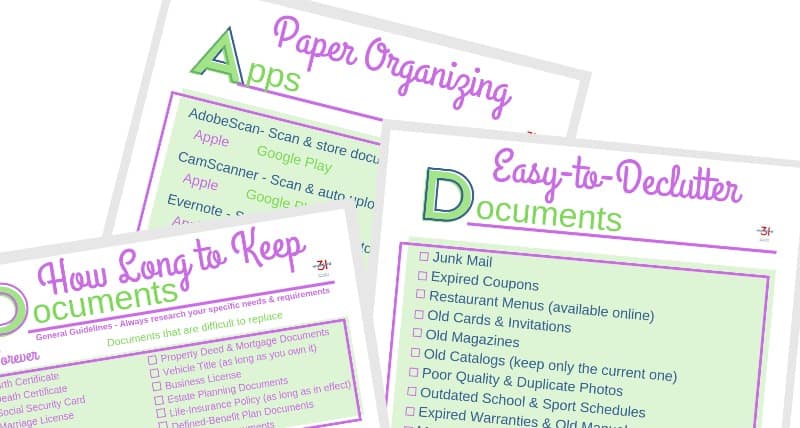
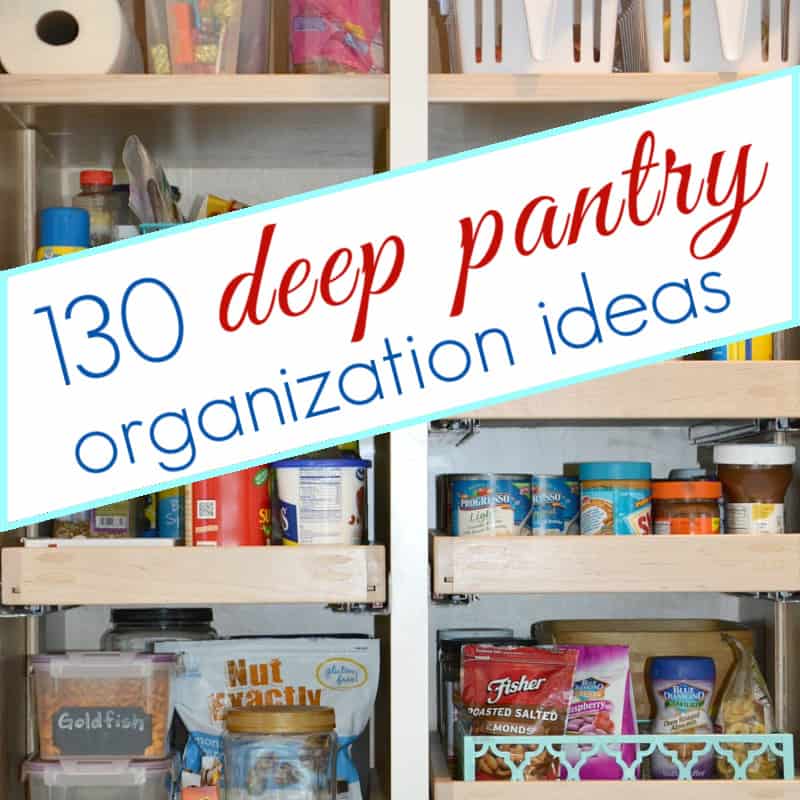
📚 Favorites From My Blog Archives

💡 Fresh Mindset Shifts & Tips
💭 💭 Small spaces count as big wins. Rescuing one cabinet is real progress, and it builds momentum for the next space when you’re ready.
💭 Dread is usually bigger than the job. Most spooky spaces take far less time than we imagine, so set a timer and see how far you get.
💭 Out of sight needs a little extra light. Dark corners collect clutter because we can’t see them, so adding a light or clear bins keeps them from slipping again.
💭 “Not right now” is an allowed answer. If you’re stuck on an item, set it in a “decide later” box and keep moving.
💭 Celebrate the after. Snap a before and after photo! Seeing the difference is a great reminder of what you can do. 📸
🛍️ Favorite Featured Find
- 💡 Garage Motion-Sensing LED Ceiling Light: I have a similar light in my own garage and it’s one of my handful of top products I recommend. This light screws right into the existing light fixture with no wiring needed. 4.7 star⭐ rating
- 🚰 2-Tier Under Sink Organizer: These sliding baskets make it easy to reach cleaners in the back of the cabinet without unloading everything. 4.6 star⭐ rating
- 🧽 Under Sink Cabinet Mat: I have a similar mat under my kitchen sink and it makes keeping this often messy area clean so-oooo easy. This waterproof tray protects your cabinet floor from drips and leaks you might not notice right away. 4.7 star⭐ rating
- 🔄 Non-Skid Lazy Susan Turntable: A spin of this turntable brings items from the back of the pantry or fridge right up front. 4.7 star⭐ rating
- 🧊 Clear Fridge and Pantry Bins: These clear bins group like items together so nothing gets lost in the back. 4.8 star⭐ rating
Bonus Featured Find for You
Thank you to LollieGramShop for the opportunity to try this purse organizer.
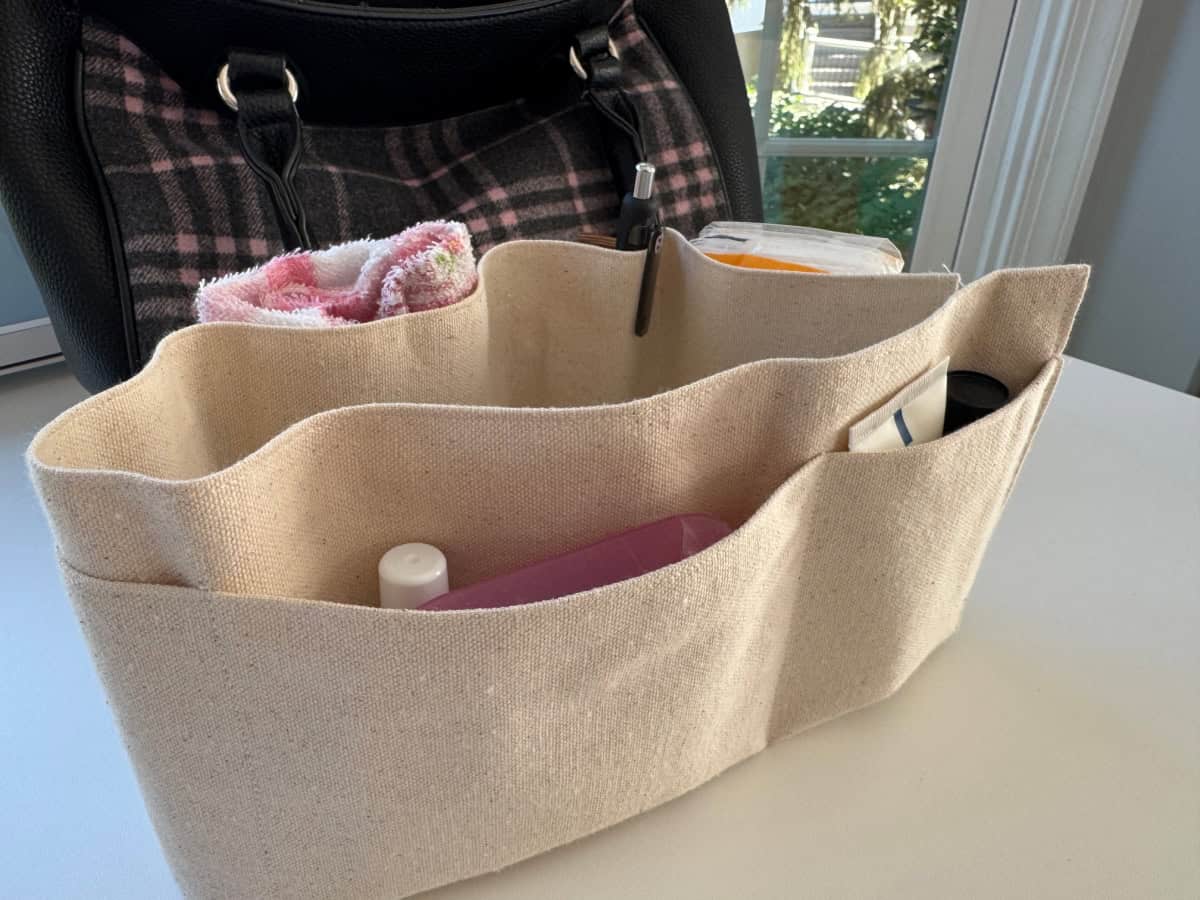
I’ve just discovered the perfect purse organizer this past week. I had the perfect purse organizer for years, then the company went out of business and could never find a suitable replacement….until last week.
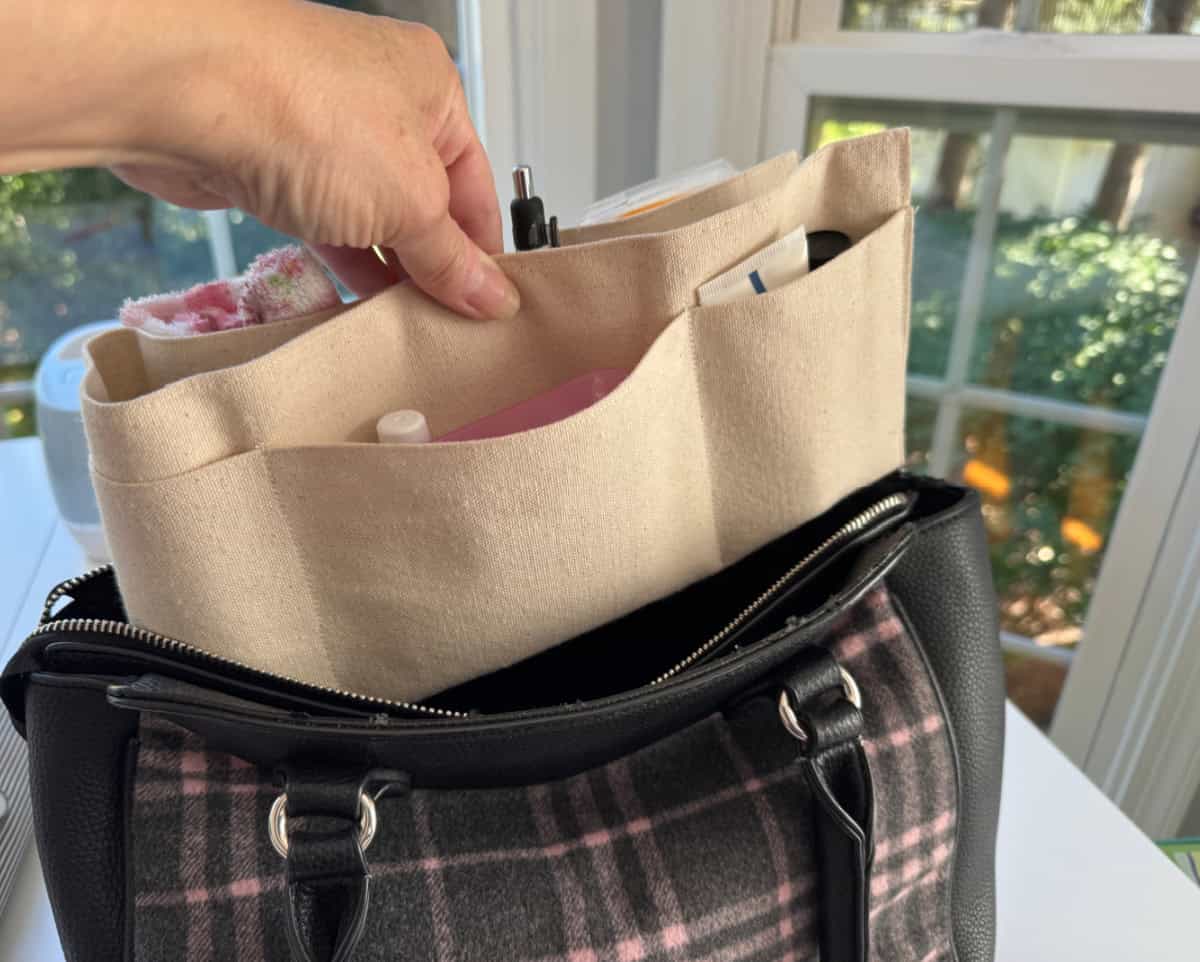
I immediately became a big fan because:
- It’s very well made and should hold up for years
- It’s easy to move from one purse to the next when I’m changing purses
- It’s light colored so the impossible to see items in black pit of my purse are suddenly visible (you can choose from several colors to match your purse lining, but the light colored one is definitely my recommendation for visibility!)
- It’s adjustable to I can use it in a variety of sizes of my purses
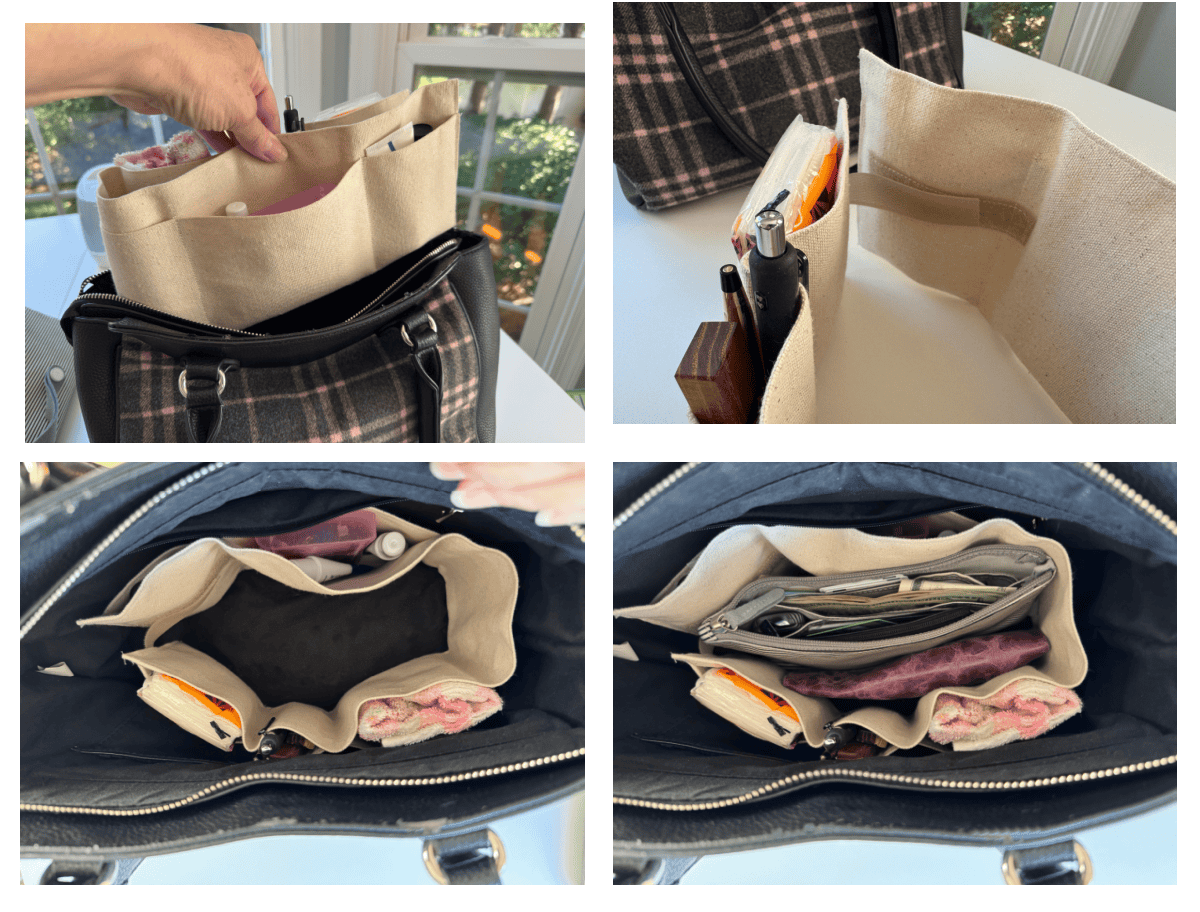
I‘m excited to share this special offer with you. Deandra at LollieGramShop on Etsy made my purse organizer and is offering you a special discount! Use code ORGANIZED31 to get 25% off yours! Oh, and Deandra has lots of fun products, so take a few minutes to look around her shop.
🫵My Featured Gift for You
Here’s to fewer frights, found floor space, and a fabulously fearless Friday! 🎃🧡